Components
Typography and Media
Headings, paragraphs, lists, dividers, links, and images for the core CyberCN reading experience.
Typography and Media
These primitives carry most of the CyberCN visual language. They are best used together inside Section blocks to create dense editorial layouts, terminal-like panels, and themed content pages.
Heading
Install
npx shadcn@latest add @cybercn/cyber-headingImport
import { Heading } from "@/components/ui/cybercn/heading";Usage
<Heading Tag="h1" glitched>
  Threat Assessment
</Heading>
Threat Assessment
Sector Report
Active Signal
Terminal Note
| Prop | Type | Default | Notes |
|---|---|---|---|
Tag | "h1" | "h2" | "h3" | "h4" | required | Determines the semantic heading level and matched style variant. |
glitched | boolean | false | Enables the animated glitch treatment. |
className | string | - | Extends the generated heading classes. |
Use Tag instead of a separate as prop because the style system keys off the heading level directly.
Paragraph
Install
npx shadcn@latest add @cybercn/cyber-paragraphImport
import { Paragraph } from "@/components/ui/cybercn/paragraph";Usage
<Paragraph inverse dotted scanned="horizontal">
  Archive fragments remain readable despite signal corruption.
</Paragraph>
Standard body copy for longer descriptive passages and inline links.
Archive fragments remain readable despite signal corruption.
| Prop | Type | Default | Notes |
|---|---|---|---|
inverse | boolean | false | Inverts the panel treatment. |
dotted | boolean | false | Adds the dotted texture overlay. |
scanned | false | "horizontal" | "vertical" | false | Applies animated scanline effects. |
className | string | - | Adds extra layout or typography utilities. |
List and List.Item
Install
npx shadcn@latest add @cybercn/cyber-listImport
import { List } from "@/components/ui/cybercn/list";Usage
<List variant="ol">
  <List.Item>Authenticate user shard</List.Item>
  <List.Item glitched>Route encrypted payload</List.Item>
  <List.Item>Write audit trail</List.Item>
</List>- Authenticate user shard
- Route encrypted payload
- Write audit trail
List props
| Prop | Type | Default | Notes |
|---|---|---|---|
variant | "ul" | "ol" | "ul" | Applies unordered or ordered list styling. |
tag | "ul" | "ol" | inferred from variant | Override the rendered tag if needed. |
| native list props | React.HTMLAttributes<HTMLOListElement | HTMLUListElement> | - | Supports id, role, className, and event handlers. |
List.Item props
| Prop | Type | Default | Notes |
|---|---|---|---|
glitched | boolean | false | Adds the animated item treatment. |
native li props | React.LiHTMLAttributes<HTMLLIElement> | - | Standard list item attributes. |
Hr
Install
npx shadcn@latest add @cybercn/cyber-hrImport
import { Hr } from "@/components/ui/cybercn/hr";Usage
<Hr glitched />| Prop | Type | Default | Notes |
|---|---|---|---|
glitched | boolean | false | Enables the animated divider. |
className | string | - | Adds spacing or color overrides. |
Image
Install
npx shadcn@latest add @cybercn/cyber-imageImport
import { Image } from "@/components/ui/cybercn/image";Usage
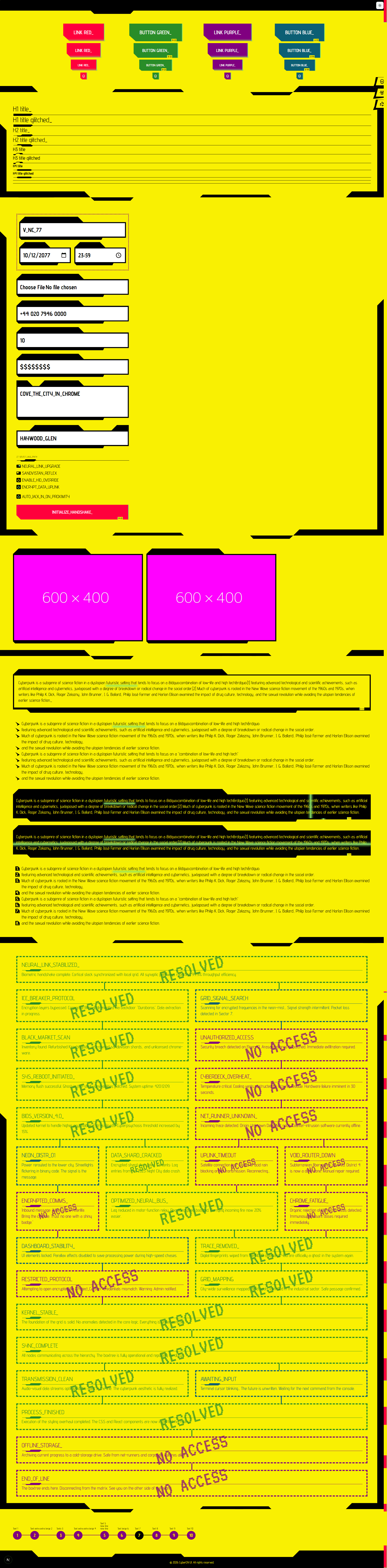
<Image
  src="/preview_light.png"
  alt="CyberCN light mode preview"
  width={1200}
  height={675}
  dotted
/>
| Prop | Type | Default | Notes |
|---|---|---|---|
dotted | boolean | false | Adds the dotted surface treatment. |
| Next image props | ComponentPropsWithoutRef<typeof NextImage> | - | Requires the usual src, alt, and sizing props. |
Because this wraps next/image, remote images still need to follow your Next.js image configuration rules.